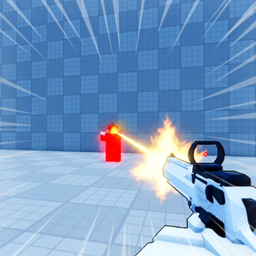
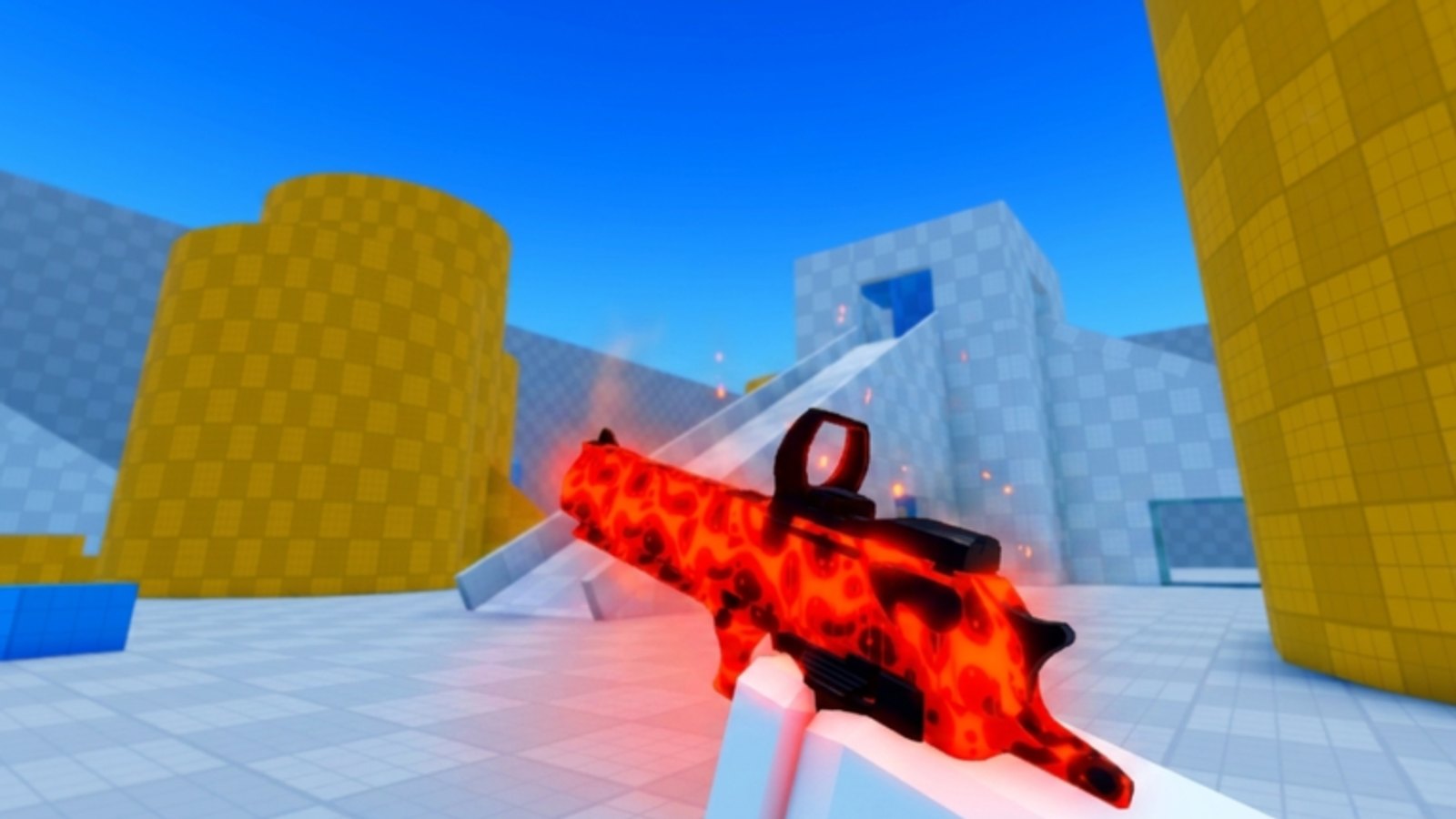
This guide explains how to redeem promo codes in Deagle Arena, the Roblox free-for-all Deagle-only shooter that released on 19 April 2026. Redemption is straightforward when official codes exist, but as of July 2026 there are no active promo codes — the steps below prepare you for the next drop and help you avoid scams in the meantime.
If you landed here looking for free rewards today, read Group Rewards for membership perks that do not depend on typed promo strings. For overall status, return to the Codes Hub anytime.
Before you start
Promo codes reward the Roblox account that completes redemption inside the live experience. Make sure you are signed into the profile you play on, not a sibling account or a studio alt. Codes published on Deagle Arena Discord are the baseline for trust — if a string never appeared there or in an in-game system message, assume it is fake.
Copy the code from the official post instead of retyping it. Many Roblox games treat codes as case-sensitive. Extra spaces at the beginning or end also cause “invalid code” errors that look like expiration when the real issue is formatting.
Step-by-step redemption (when codes are live)
The UI labels move between updates, but the flow below matches how most Roblox shooters — including Deagle Arena — handle redemption:
- Launch Deagle Arena from Roblox and wait until your character loads into the lobby or match shell.
- Open the main menu — often the gear icon, three-line menu, or a Shop button on screen.
- Look for Codes, Promo Codes, or Redeem inside Settings or the shop panel.
- Paste the official code into the text field. Do not add quotes or hashtags.
- Press Redeem, Submit, or Confirm and wait for a success toast.
- Check your inventory, currency display, or skin locker for the listed reward.
If the game shows a confirmation dialog, screenshot it. That helps support or community moderators verify batch issues if many players fail at once.
What to expect after a successful redeem
Rewards depend on the promotion. Deagle Arena progression revolves around leveling, competitive ranking, skins, and leaderboards, so future codes might grant currency toward cosmetics, temporary boosts, or exclusive camos. The redemption UI should describe the grant before you confirm. If the message mentions a skin or boost but nothing appears, re-open the locker after a full lobby rejoin — Roblox inventory sync occasionally lags.
Troubleshooting failed redemption
Use this table when a code refuses to work:
| Message or behavior | Likely cause | What to try |
|---|---|---|
| Invalid code | Typo, fake string, or wrong game | Re-copy from Discord; confirm it is for Deagle Arena |
| Expired | Promotion ended | Wait for a new official batch on the Codes Hub |
| Already redeemed | One-time use per account | Switch only if you intentionally use another profile |
| Nothing received | Inventory delay | Rejoin the experience; restart Roblox client |
| Button missing | UI moved in update | Check Shop and Settings submenus; read Updates Hub |
Never download “code generators” or browser extensions that claim to unlock Roblox promos. Those tools violate Roblox Terms of Use and commonly steal cookies or account tokens.
While no codes are active (July 2026)
Honest status: no working promo codes are documented for July 2026. Spending hours searching unrelated games’ expired strings will not grant Deagle Arena rewards. Productive alternatives include:
- Joining the official group for Group Rewards.
- Practicing movement tech — slide with C or Ctrl on PC, B on controller — to climb ranked ladders faster.
- Following Discord announcements so you redeem within minutes when the next batch drops.
Promo droughts are normal between updates. Developers often save codes for player milestones or seasonal events.
Account and safety tips
Redeem only inside the official Roblox client or mobile app. Third-party “free Robux” sites that ask for your password are unrelated to Deagle Arena and should be ignored. The legitimate flow never requires sharing your password or running external executables.
If you manage multiple family accounts, redeem on each profile separately. Group perks from Group Rewards follow the same per-account rule.
How this page stays updated
When the Deagle Arena team publishes a verified code, the Codes Hub lists the string, reward, and expiry notes if provided. This redemption guide focuses on mechanics that change slowly — menu navigation and troubleshooting — so you can act fast when the hub adds a new row.
Related reading
- Codes Hub — live status table and announcement sources.
- Group Rewards — membership perks without promo strings.
- Guides Hub — gameplay help for ranks, aim, and FFA survival.
Frequently Asked Questions
Quick answers for Deagle Arena players.
Is there a working Deagle Arena code right now?
No. July 2026 has no verified active promo codes. Use group rewards and in-game progression until Discord announces a new batch.
Where is the redeem button in Deagle Arena?
Check Settings or the Shop menu for a Codes or Redeem field. Exact labels can shift with updates, but the option stays in one of those panels.
Why does my code say invalid when I copied it correctly?
The code may be expired, fake, or meant for a different game. Confirm the string on official Discord posts before trying again.
Can I redeem the same code on two accounts?
Usually each account redeems once per code. Log into each profile separately if you play on multiple Roblox users.
Do codes replace group rewards?
No. Promo codes and group membership rewards are separate systems. You can use both when each is available.