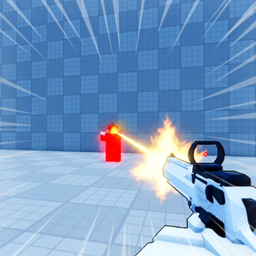
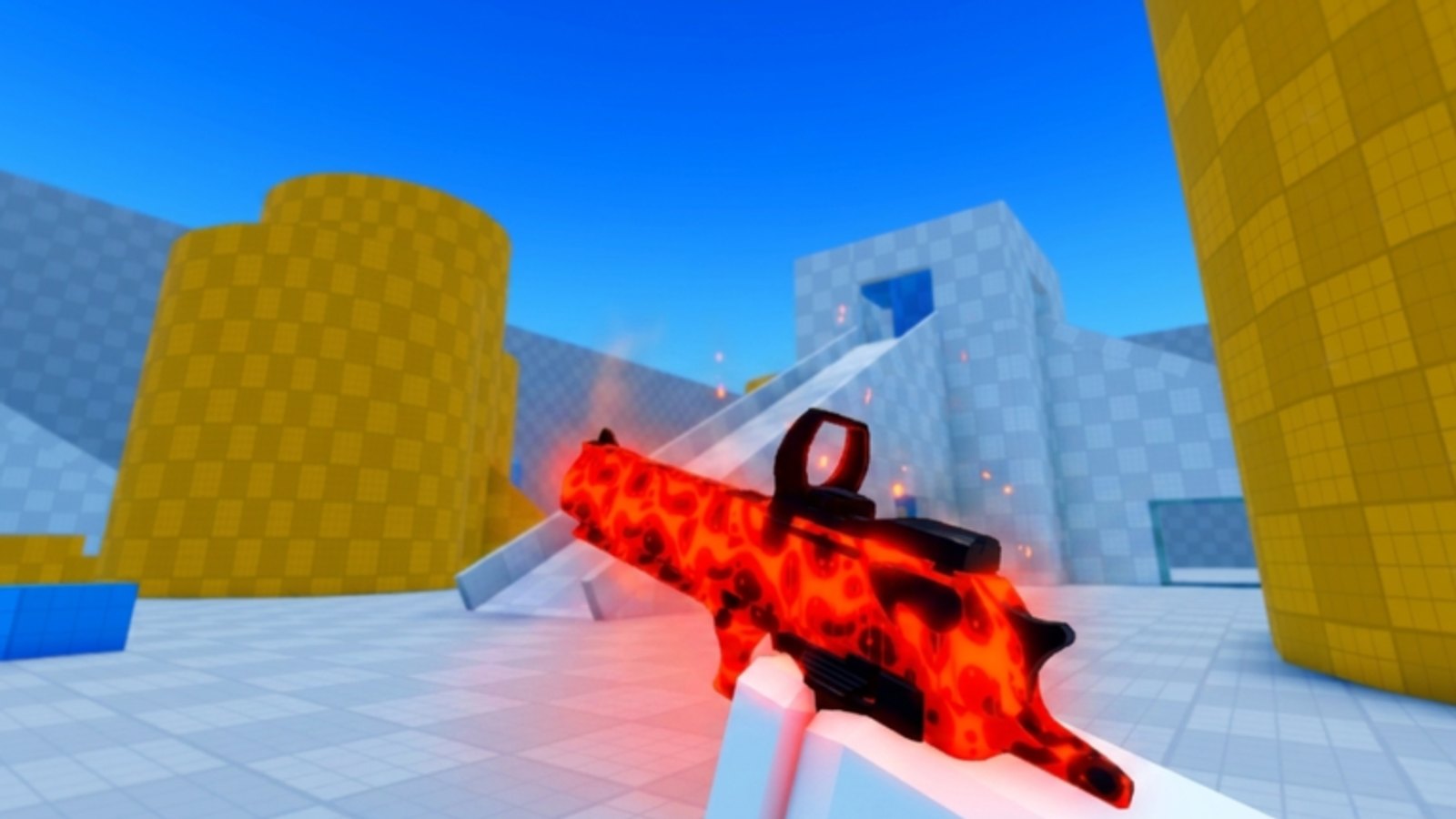
Skins in Deagle Arena are cosmetic rewards for playing the FFA deathmatch loop — they change how your Deagle looks without altering damage, fire rate, or slide mechanics. The official Roblox description highlights leveling up to earn rewards and unlocking rare skins to collect, which sit alongside competitive ranking and leaderboards as long-term goals. This guide explains how skin unlocks connect to progression systems, where group rewards fit in, and how to grind efficiently without neglecting the combat skills that make cosmetics worth showing off.
What skins do and do not do
Skins are visual flex. They do not widen hitboxes, boost headshot damage, or shorten slide cooldowns. A default Deagle kills as fast as the rarest skin. That matters for competitive integrity: rank from How to Rank Up reflects skill, not inventory value.
Collectors still chase skins because they signal dedication and look distinct in crowded lobbies. The Tier List hub will rank cosmetic desirability as the community agrees on rare drops. Until then, unlock what you earn naturally and avoid overpaying third-party sellers outside official Roblox systems.
Leveling as the primary unlock path
The game advertises leveling up and earning rewards as a core loop. Account levels increase as you play matches, and level milestones typically gate cosmetics or currency used to obtain them. Exact reward tables can change with patches — always cross-check Updates after major publishes.
Efficient leveling tips:
Play complete sessions. Quitting early still counts some progress but wastes queue time. Block thirty to sixty minutes when possible.
Stay active in fights. Passive hiding earns little in FFA. Engage intelligently — see Beginner Tips — but participate.
Stack goals. Practice aim from Aim and Shooting while leveling so two progress tracks advance together.
Avoid idle farming. Roblox experiences punish AFK behavior and diminish your own skill growth.
Levels and rank differ: you can level quickly in casual lobbies while rank stalls. Both contribute to a well-rounded account, but skins tied to level do not require leaderboard placement.
Group rewards and community channels
The official description mentions reporting bugs in the Roblox group or community server for rewards, and joining group-linked programs is a legitimate way to receive developer-granted items when promotions run. Connect through Official Links for the game URL and Discord at discord.gg/deaglearena.
When joining groups or Discord events:
- Use only official links from the Roblox page or trusted wiki pages.
- Never share passwords or Roblox cookies with “free skin” scams.
- Watch announcements for limited-time cosmetic drops tied to milestones or bug-report quality.
Group rewards supplement leveling; they rarely replace it entirely. Treat announcements as bonuses on top of normal play rather than your only skin source.
Promo codes and external rewards
There are no active promo codes in Deagle Arena at the time of writing. When developers release strings, they will appear on the Codes page with redemption steps and expiry notes. Codes may grant currency or limited skins — redeem promptly because Roblox promos expire quickly.
Do not trust random social posts promising unreleased codes. Cross-reference any code with the wiki Codes hub or official Discord before wasting time.
Competitive play and cosmetic prestige
High-rank players often wear rare skins as status symbols. Unlock order should still prioritize mechanics: Movement and Sliding and Aim and Shooting make you dangerous regardless of paint job. Once stable, rank grinding naturally increases match count, which feeds leveling anyway.
Leaderboard regulars appear in Players writeups over time. Skins make them recognizable — pair recognition with study of their movement instead of pure envy.
Collection mindset without pay pressure
Deagle Arena is free-to-play on Roblox. Cosmetic monetization may exist through official Roblox purchases if the developer adds them — check the in-game store tab on the experience page. Fan wikis cannot list live prices because they change; the store UI is authoritative.
Set collection goals:
- Unlock one skin through pure leveling to learn the reward cadence.
- Claim any legitimate group or Discord promotion when announced.
- Track patch notes on Updates for new cosmetic seasons.
- Consult Tier List before spending premium currency on low-impact skins.
What to avoid
Scripts and unauthorized tools: Scripts and shady Tools promising free skins steal accounts or inject malware. Roblox bans offenders. Skins earned legitimately stay on your account; stolen accounts do not.
Real-money trades outside Roblox: Trading with strangers violates platform safety guidelines and risks scams.
Neglecting gameplay for grind: If you hate playing but love skins, reconsider — Deagle Arena is a shooter first. How to Play Deagle Arena keeps the loop fun while you unlock.
Tying skins into your wiki workflow
Use the Guides Hub as home base. After unlocking new cosmetics, note whether Updates documented the change — community wikis stay accurate when players report reward shifts post-patch.
Share findings in official Discord channels when developers ask for feedback. Quality bug reports sometimes earn rewards per the game description, which can include cosmetics or currency toward skins.
Skins cap off a strong account built through rank, levels, and skill. Keep improving in FFA, unlock steadily, and let rare drops celebrate time invested — not shortcuts.
Frequently Asked Questions
Quick answers for Deagle Arena players.
Do skins change Deagle stats in Deagle Arena?
No. Skins are cosmetic only. Damage, fire rate, and movement behave the same regardless of which skin you equip.
How do you unlock skins without paying?
Primarily through leveling and playing matches. Group rewards and future promo codes listed on the Codes page may also grant cosmetics.
Are there working Deagle Arena codes for skins?
No active codes exist at the time of writing. Check the Codes hub when developers announce new promotions.
Do group or Discord rewards give skins?
The official description mentions rewards for bug reports through the group or community server. Follow Official Links and Discord announcements for active programs.