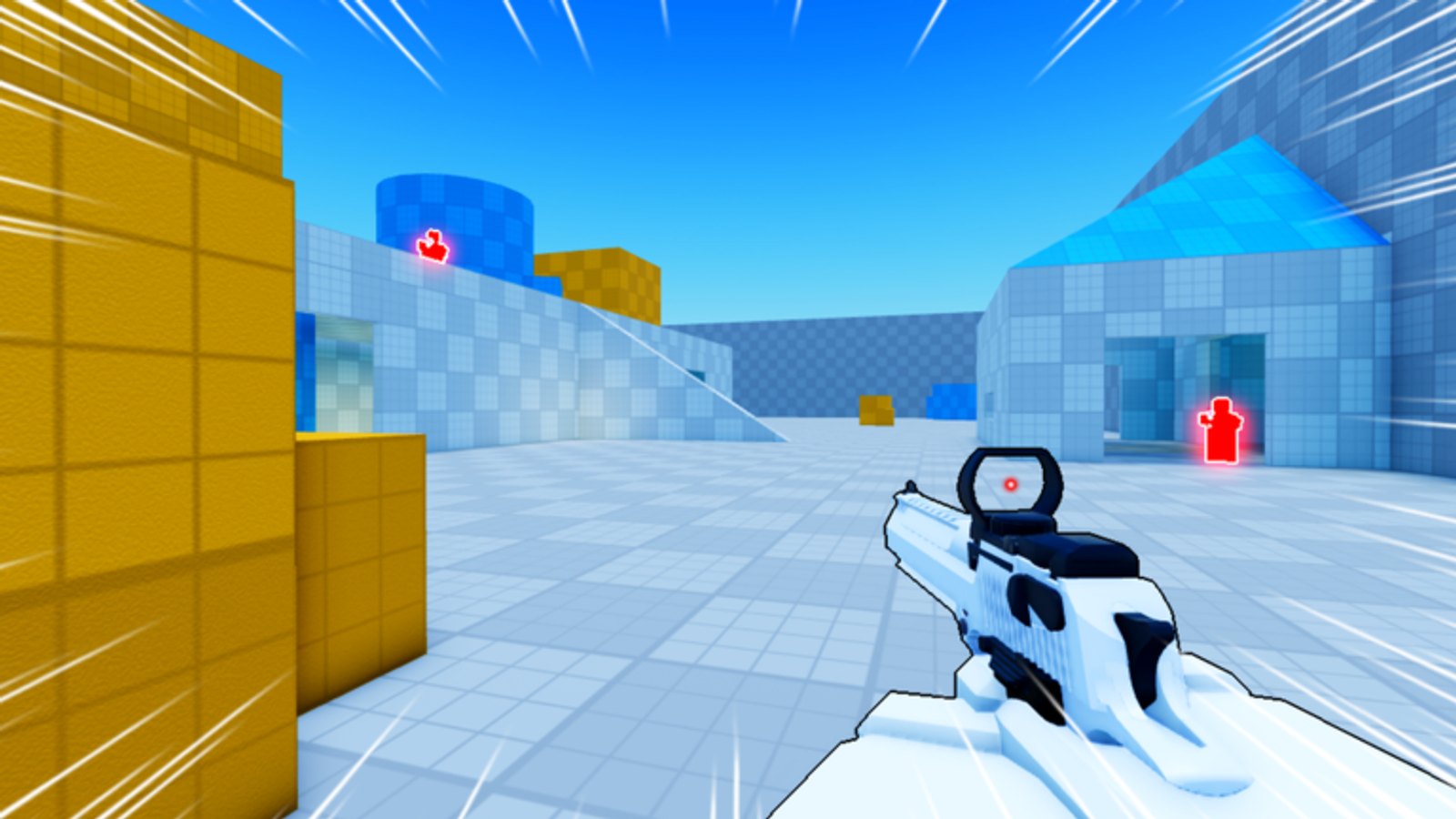
Deagle Arena officially supports mobile with on-screen buttons. The critical rule from the Roblox description: hold Shoot to aim, release to fire. Touch players who tap randomly lose every mid-range duel to PC aim. This guide turns that rule into a full mobile playbook for FFA deathmatch on place 84556640895285.
Pair this page with the Controls Cheatsheet and Sensitivity Settings. For shared fundamentals, still read How to Play and Beginner Tips.
Mobile controls that matter
- Shoot button hold — starts aim-down-sights style precision.
- Release Shoot — fires the Deagle shot.
- On-screen slide / movement — use short slides to exit peeks; do not spam slide across open ground.
- Look stick / drag — keep drag distance consistent session to session.
If your HUD feels cramped, lower unused UI clutter in Roblox settings and keep thumbs clear of the fire button. Accidental fire cancels ruin aim holds.
Why mobile loses — and how to stop it
Common mobile deaths:
- Firing without holding aim at mid range.
- Walking forward while adjusting look drag.
- Taking long open-map fights against mouse players.
- Ignoring third parties because the whole screen is a fight.
Fixes:
- Default to cover peeks from the FFA Positioning guide.
- Pre-aim common doorways, then hold Shoot before enemies appear.
- Prefer short sightlines; force close duels where release timing beats flicks.
- After each kill, physically pause one second to scan — mobile FOV and thumb occlusion hide flanks.
Aim rhythm for touch
Practice the cadence: move → stop → hold Shoot → adjust → release → slide out. Until that loop is automatic, avoid mid-map brawls. Warm up with the Warmup Checklist adapted for touch: thirty seconds of hold/release on distant props, then ten slide exits.
Head-height crosshair still applies. Drag your look so the reticle sits where enemy heads appear at door height. Body shots lose trades against players who land headshots first.
Movement on small screens
Slide is still key for peek exits. On mobile, slide buttons can be mis-tapped — place your thumbs deliberately. Use strafes more than long slides. The Movement and Sliding guide explains PC keys; the principles (short peeks, exit slides) transfer directly.
Avoid jump-spamming. Air time is free damage for anyone holding aim on your path.
Ranked climb on mobile
You can climb the Ranking System on phone, but expectations differ:
- Play when you have stable Wi-Fi — latency hurts release timing more than mouse players notice.
- Use one device for serious sessions so muscle memory sticks.
- Accept fewer ultra-long-range picks; specialize in close/mid cover fights.
- Track deaths to open peeks separately from aim mistakes.
Leaderboard names on Leaderboards are often PC-heavy. Study their spacing, not their flick speed.
Battery, heat, and session length
Hot phones drop frames and input lag. Short sessions of three to five matches beat one hour of thermal throttle. Close background apps. Lower graphics if frames stutter during slides.
Cosmetics and rewards on mobile
Skins are cosmetic — see How to Unlock Skins and Leveling Rewards. Group rewards still apply via the official Roblox group listed on Official Links. Codes remain inactive as of late July 2026; do not chase fake mobile-only strings.
Scripts warning for mobile players
Third-party mobile executors are especially risky. Read Scripts Hub policy pages if you are curious — then stay on legitimate clients. Bans wipe Robux and progress with no wiki recovery path.
Weekly mobile practice plan
- Two matches focused only on hold-to-aim releases.
- Two matches focused on cover peeks and no open crosses.
- One match reviewing third-party deaths.
- Recheck Updates after the 2026-07-20 Roblox publish for UI tweaks.
Related pages
- Controls Cheatsheet
- FFA Positioning
- Aim and Shooting
- Join Discord for mobile bug reports rewarded by the team
Mobile Deagle Arena is winnable when you stop playing like a broken mouse and start playing like a cover specialist with perfect release timing.
Frequently Asked Questions
Quick answers for Deagle Arena players.
How do I aim on mobile in Deagle Arena?
Hold the Shoot button to aim, then release to fire. Tapping without the hold wastes mid-range accuracy.
Can mobile players reach high rank?
Yes, especially with cover-focused play and stable internet. Long-range flicks favor PC, so specialize in close and mid peeks.
Should I change sensitivity every match?
No. Pick values in the Sensitivity Settings guide and keep them for at least a week so muscle memory can form.
Do skins help on mobile?
No. Skins are cosmetic only. Focus on aim rhythm and positioning instead.