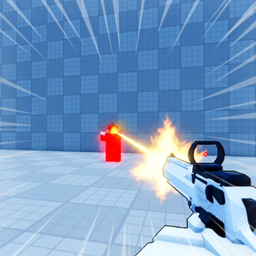
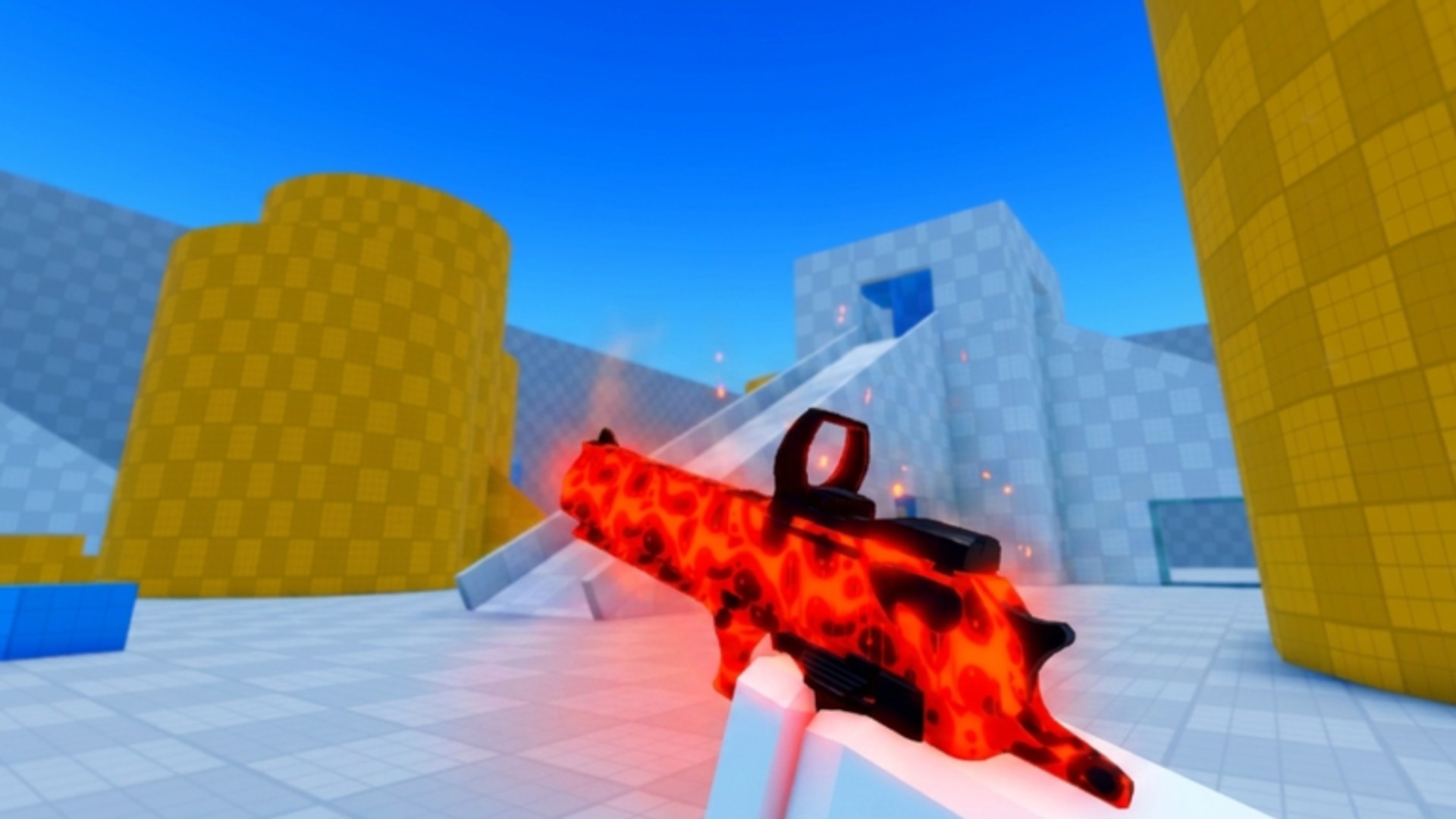
Deagle Arena is a Roblox free-for-all deathmatch built around a single weapon: the Desert Eagle. Every player spawns with the same gun, so matches are decided by aim, movement, and awareness rather than gear advantages. The game launched on April 19, 2026, and runs on the official Roblox place linked from our Official Links page. This guide covers everything you need before your first serious session — controls on every platform, what FFA deathmatch means in practice, and where to continue learning on the wiki.
What Deagle Arena is
Deagle Arena is an FFA shooter: there are no teams, no respawn timers tied to objectives, and no alternate win conditions beyond outgunning everyone else in the lobby. You spawn, locate enemies, take fights, die, respawn, and repeat. Over time you earn account levels, climb a competitive rank, and unlock cosmetic skins. Leaderboards track top performers, and the official description highlights group rewards and a community Discord at discord.gg/deaglearena for bug reports and news.
Because the loadout is fixed, new players are not behind veterans who unlocked better weapons. That makes the first hour about learning inputs and map flow instead of grinding unlocks. Pair this overview with Beginner Tips once you have played two or three matches and want structured habits to practice.
Controls on every platform
Getting comfortable with inputs prevents panic in your opening fights. The official game page lists these bindings:
PC: Left mouse button (M1) shoots, right mouse button (M2) aims down sights, and C or Left Ctrl slides. Most players bind slide to whichever key sits near their movement keys without stretching.
Controller: R2 shoots, L2 aims, and B (or Circle on PlayStation layouts) slides. Trigger pressure matters — tap R2 for quick shots, squeeze L2 when you need precision at range.
Mobile: On-screen buttons handle everything. Hold the Shoot button to enter aim mode, then release to fire. Mobile lacks a dedicated slide button in the official description, so focus on strafing and distance control until you confirm whether your client version adds slide on a separate touch target.
Spend five minutes in a low-stakes lobby testing each action before chasing kills. Confirm that aim toggles correctly and that slide activates on the first press rather than after a delay caused by conflicting keybinds on PC.
First-match goals
Your opening matches should prioritize survival data over kill count. Note where you die most often: open lanes, doorways, or while reloading in the open. Deagle shots are lethal, so wide swings without cover punish even experienced players.
Pick one mechanical focus per match. Match one might be “only take fights near cover.” Match two might be “use slide to cross one dangerous angle per life.” Match three might be “check the leaderboard to see who is dominating and avoid their lane until you improve.” This staged approach beats trying to master everything at once.
After three to five matches, read Movement and Sliding and Aim and Shooting for deeper technique. When you want structured rank growth, move on to How to Rank Up.
Progression systems at a glance
Deagle Arena layers several progression tracks on top of raw FFA combat:
Leveling grants rewards as you play more matches. Levels reflect total engagement rather than a single lucky streak.
Competitive ranking moves based on performance relative to other players. Rank is the metric most players associate with skill expression in this title.
Skins are cosmetic unlocks earned through play and related rewards. They do not change damage or fire rate. See How to Unlock Skins for the full breakdown.
Leaderboards highlight top accounts in the current period. Watching leaderboard names helps you identify strong players to study in Players once that hub fills out.
There are no active promo codes at the time of writing. When developers release codes, they will appear on the Codes page with redemption steps.
Where to go next on the wiki
This guide is the front door. Use the Guides Hub to jump between topics. Updates lists patch notes when balance or controls change. Tier List will rank cosmetic priorities as the community agrees on rare skins. Avoid third-party Scripts unless you understand Roblox account risk — legitimate improvement in Deagle Arena comes from mechanics, not automation.
For calculators or stat helpers, check Tools as those pages go live. Staying in the official Discord keeps you informed about group rewards and bug-report incentives mentioned on the Roblox description page.
Long-term play mindset
Deagle Arena rewards consistency. Short sessions spread across a week often beat one marathon where fatigue ruins your aim. Track one stat mentally — deaths from sliding too late, missed first shots, or chasing kills across the map — and fix that single leak before adding advanced strats. The game is young enough that metas are still forming, which means disciplined fundamentals will stay relevant even as Updates add content.
Frequently Asked Questions
Quick answers for Deagle Arena players.
Is Deagle Arena pay-to-win?
No. Everyone uses the same Deagle loadout. Skins are cosmetic, and competitive rank comes from performance in FFA matches rather than purchased weapons.
What are the PC controls in Deagle Arena?
M1 shoots, M2 aims, and C or Left Ctrl slides. These are the bindings listed on the official Roblox game page.
How do mobile controls work?
Use on-screen buttons. Hold the Shoot button to aim, then release to fire. Practice the hold-release rhythm before taking long-range duels.
Where can I report bugs or get group rewards?
The official description directs players to the Roblox group or community Discord at discord.gg/deaglearena. Check Official Links on this wiki for the game URL.