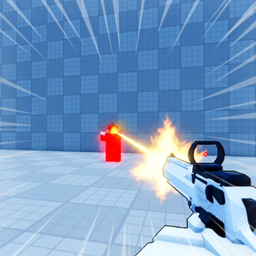
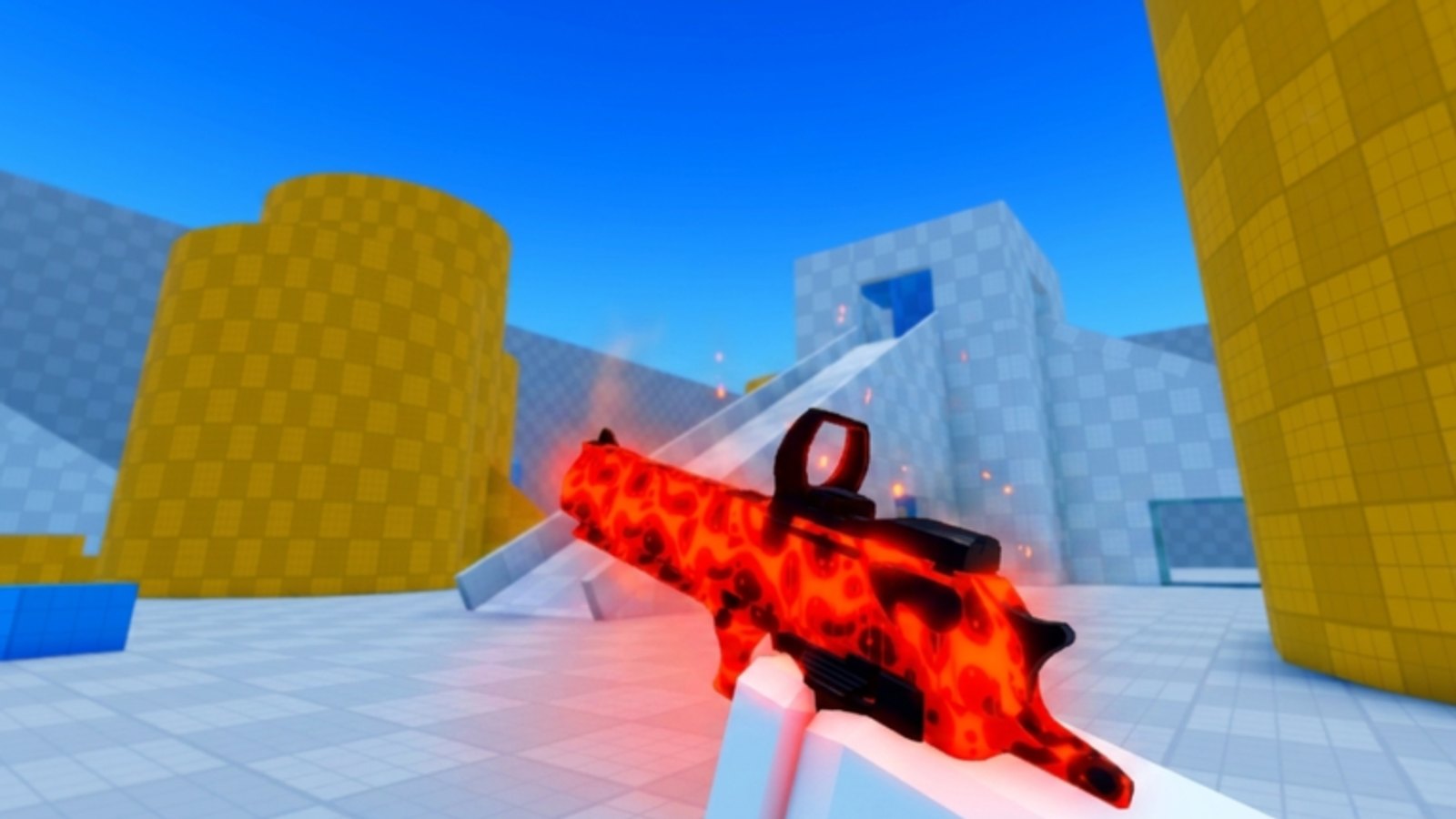
Tools on this wiki are practical references — not executors or scripts. Deagle Arena is a reflex FFA shooter on Roblox where input consistency matters as much as crosshair placement. This hub collects the pages players open most before a ranked block:
- Controls Cheatsheet — full PC, controller, and mobile binding tables from the official game page, plus lobby shortcuts and platform tips.
- Sensitivity Settings — how to pick and lock a sens so Deagle flicks stop on heads without ignoring third-party turns.
- Warmup Checklist — a repeatable five-minute routine for aim, slides, and mental focus before you queue.
- Best Times to Play — pick calm climb hours vs peak chaos after the August population spike.
Bookmark these pages if you swap between PC and mobile. Roblox input handling differs by device, and Deagle Arena uses hold-to-aim on touch screens while PC uses separate mouse buttons — see also the Mobile Guide for touch-specific habits.
Why a controls page still helps
The official Roblox description lists core bindings, but they are scattered across marketing text. The cheatsheet consolidates shoot, aim, slide, lobby, and inspect keys in one scannable table. That saves time when you return after a patch or when a friend asks for controller layout mid-call.
Slide is the highest-skill binding: on PC it sits on C or Ctrl, on controller B or Circle. Pair the cheatsheet with the Playstyle Tier List section on Slider archetypes and with FFA Positioning so mechanical tools serve map habits.
Warmup and sensitivity are competitive tools
Cold-joining FFA without warmup loses the first three fights to players already in rhythm. The checklist turns warmup into steps: sensitivity verify, flick targets, slide exit reps, and one slow awareness pass on spawns.
Sensitivity will not replace crosshair placement, but the wrong sens makes every aim guide harder. Lock values for at least a week before blaming rank systems — then climb with the Ranking System notes.
Platform choice and rank
PC players get precise aim and quick turn. Controller players rely on aim assist curves Roblox exposes per experience. Mobile players trade fine aim for portability. None is officially wrong, but expectations differ by rank band. Use the same device for serious climb sessions when possible so progress reflects skill, not input-swap shock.
Recheck bindings after publishes such as the July 2026 Update. Quiet maintenance patches still move mobile HUD or slide feel.
Related wiki sections
- Guides Hub — longer tutorials for aim, movement, and mobile play.
- Patch Notes — control or aim-assist changes appear here.
- Leaderboards — use after warmup to study high-board habits.
- Official Links — Discord for control discussion threads and bug reports.
Safety note
This Tools category does not host third-party executors, aimbots, or macro scripts. Those violate Roblox Terms of Use and risk account action. See Scripts only for policy context. Every tool here is informational content you apply yourself in legitimate clients.
Building a session routine
A simple loop works: open the cheatsheet once per week to catch binding changes, confirm sens has not reset, run the warmup checklist every queue block, play two to four full FFA matches, then review one stat line from the leaderboard screen. Repeat daily for rank spikes; repeat every other day for casual improvement without fatigue.
Deagle Arena launched 2026-04-19 with PC, controller, and mobile support listed on the official page. As Roblox adds client features, we update these tool pages — we do not guess bindings from unrelated shooters.
Frequently Asked Questions
Quick answers for Deagle Arena players.
Are these tools allowed by Roblox?
Yes. They are text guides inside this wiki. They do not inject code or automate input. Only use official Roblox clients to play.
Which platform has the best controls for Deagle Arena?
PC mouse aim offers the most precision for headshots, but skilled controller and mobile players still climb rank. Pick one primary device for ranked sessions.
Where do I tune sensitivity?
Open the Sensitivity Settings page for PC, controller, and mobile baselines, then lock values for at least a week so muscle memory can form.
Will controls change after updates?
Usually bindings stay stable, but aim assist, mobile UI, or slide behavior can patch. Recheck the cheatsheet and July/patch notes after major updates.